How to Run a Data Review Meeting for Arts Venues: Turning Reports into Action

An approach to data-driven decision making for venues, museums and galleries whose audience data lives in reports that nobody acts on.

Why better key metrics don't lead to better decisions on their own

This guide is for venue, museum and gallery teams who've already invested in better key metrics… and noticed that very little has actually changed as a result.

It's the most common pattern we see. The dashboard updates itself, the reports are tidy, the numbers are good - but programming, pricing and promotion decisions look much the same as they did a year ago. 

This guide walks you through a two-part setup for a data review meeting for arts venues that turns audience data into decisions: quick operational checks during live activity, plus a monthly strategic review.

Step 1: Run two separate checks

Knowing how to use audience data well starts with separating two kinds of review. They don't fit in the same meeting:

  • Quick checks during live activity: five or ten minutes, comparing one or two numbers against a level you've already set. For example, glancing at week-one bookings for a show that's just gone on sale, or checking email click-throughs the morning after a campaign send.
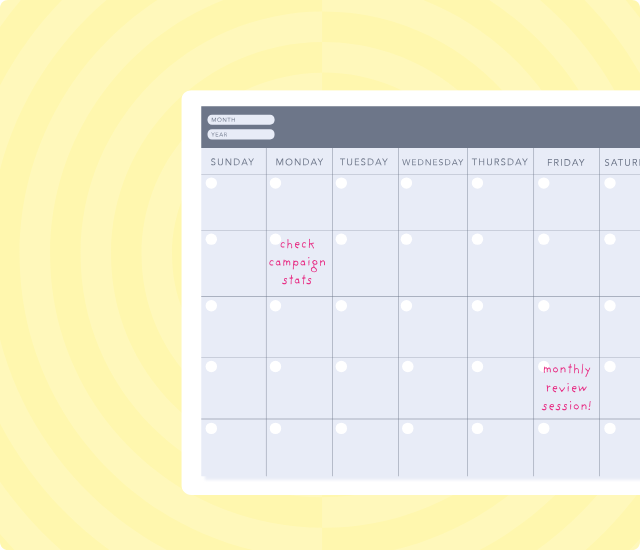
  • A longer review each month: looking across programmes, campaigns and audience segments for patterns.

Trying to do both in one monthly meeting means you're too late for the tactical stuff and too rushed for the bigger picture.
Step 2: Set up the quick operational checks

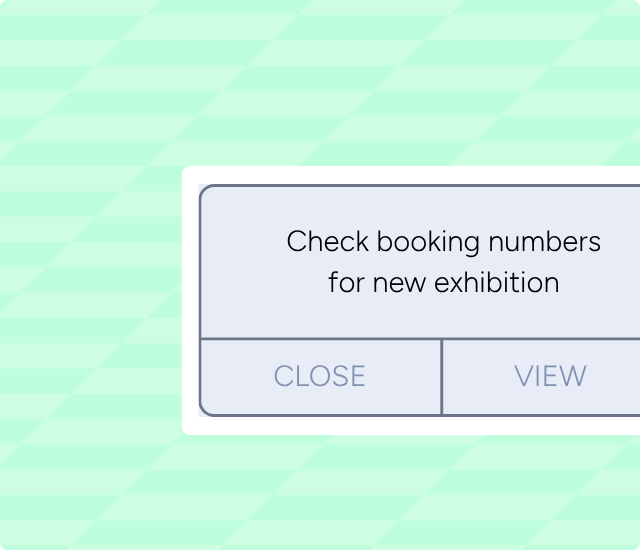
Decide which signals to watch during live activity - a show on sale, a campaign that’s been launched, an exhibition just opened - and fix when you'll look at them. For ticketed runs, check booking numbers at the end of week one. For email, review click-throughs and bookings within three days of the send. For exhibitions, look at page views and event sign-ups in the first fortnight.

This is a glance against a number you've already decided matters, not a fresh review from scratch.

Want to learn more about our platform?

Step 3: Book a monthly KPI review with people who can act

Most venues already have regular meetings where pricing, programming and campaign decisions get made. The shift isn't to add another meeting on top -it's to make sure audience data has a defined slot in those conversations, with the people who can act on it already in the room.

Whether that's a standing agenda item in an existing leadership meeting or a dedicated 60-90 minute monthly KPI review, the same principle applies: use a consistent agenda - what's changed, what's the pattern, what are we testing next - so the review builds on itself month to month rather than starting from scratch.

Without the people who can shift spend, adjust pricing or change the programme balance in the room, there’s no actual data review taking place: numbers get read aloud, noted, and nothing actually changes before the next one.

A shared platform also helps here - Ticketsolve, for example, surfaces the same data story across box office, marketing and fundraising, so everyone in the room is reading from the same numbers rather than reconciling different reports.

Step 4: Ask questions that help you learn, not defend

Default questions like "did we hit the KPIs?" frame data as something to justify. Better:

  • What happened, and why?
  • What should we test, stop or scale?
  • Is this metric still measuring what we think it's measuring?

This is the heart of turning reports into action: questions that open up next steps rather than close them down.

Step 5: Pre-write your responses to common patterns

For signals you see often, decide the response now and assign an owner. If repeat attendance falls quarter-on-quarter, the audience development team will survey recent first-time visitors. If school bookings are below target by half-term, the learning team will contact the teacher network.

Step 6: When you change a board metric, show both versions for a month

Don't drop the old metric and announce the new one cold. For one reporting cycle, present them side by side. Let the new metric tell a richer story while the old one is still visible to all.

Open the conversation with a question, not a critique: "What decision does this number help us make?" The case usually makes itself.

Step 7: If you've only got 15 minutes a month, start here

Pick the one metric that is clearly tied to your next decision. Set one threshold and one action: "If [metric] is below [number] by [date], I will [specific thing]."

At the end of each month, spend 15 minutes asking one question: "What's the most important thing the data told me, and did I act on it?"

Once that's a habit and not a project, add a second metric. A simple data-driven approach that becomes a habit is better than an ambitious one you drop after one month.

Going further

The full whitepaper goes deeper. You'll find the Minimum Viable Practice setup for solo practitioners. The festival-cycle adaptation for venues working an annual delivery rhythm. Examples from venues we work with, and the playbook for retiring board-level metrics with senior leaders.

FAQ Embed – Ticketsolve

Frequently asked questions


Quote icon

Let's start something brilliant together

We’d love to show you how we can help you thrive.

No items found.

Download the Whitepaper

Download now