Website Accessibility: A Practical Guide for Arts Organisations

Website accessibility isn’t just a compliance checkbox, it’s a commitment to ensuring every member of your audience can engage with your content, access your services, and experience your programme without barriers. But accessibility can feel overwhelming, especially with evolving standards and limited resources. This guide, created in partnership with accessibility advisor Catherine Turner, is here to help you take meaningful steps, without pressure. It focuses on what’s possible, practical, and impactful for arts and culture organisations of all sizes.

What Accessibility Really Means

At its core, accessibility means ensuring your website is usable by people with disabilities. But it also encompasses broader ideas:

  • Easy-to-use interfaces
  • Clear, structured information
  • Compatibility with assistive technologies
  • Inclusion in all digital journeys

These meanings should complement - not compete - with each other. When accessibility is part of your organisational culture and objectives, small steps can drive real change.

Embedding Accessibility in Your Website

You don’t need a complete overhaul to make progress. Many improvements can be made incrementally and within your existing tools. Here are some key areas to focus on:

Alt Text

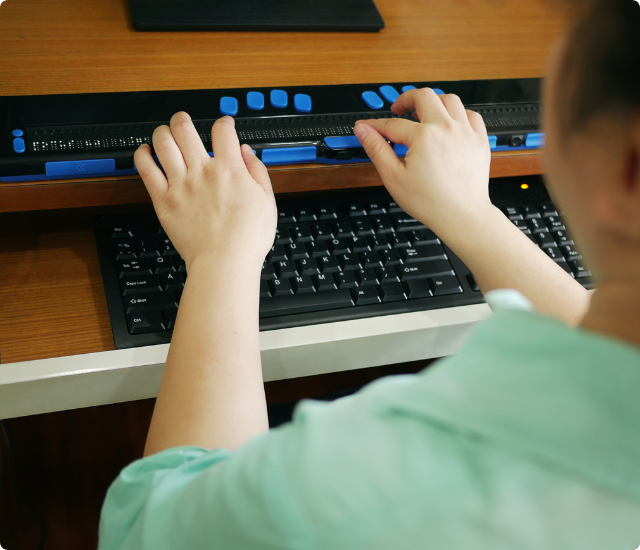
Alt text communicates the meaning of images for those using screen readers. Within Ticketsolve, prompts for alt text are built into the show builder—ensuring your images inform, rather than exclude.

Colour Contrast

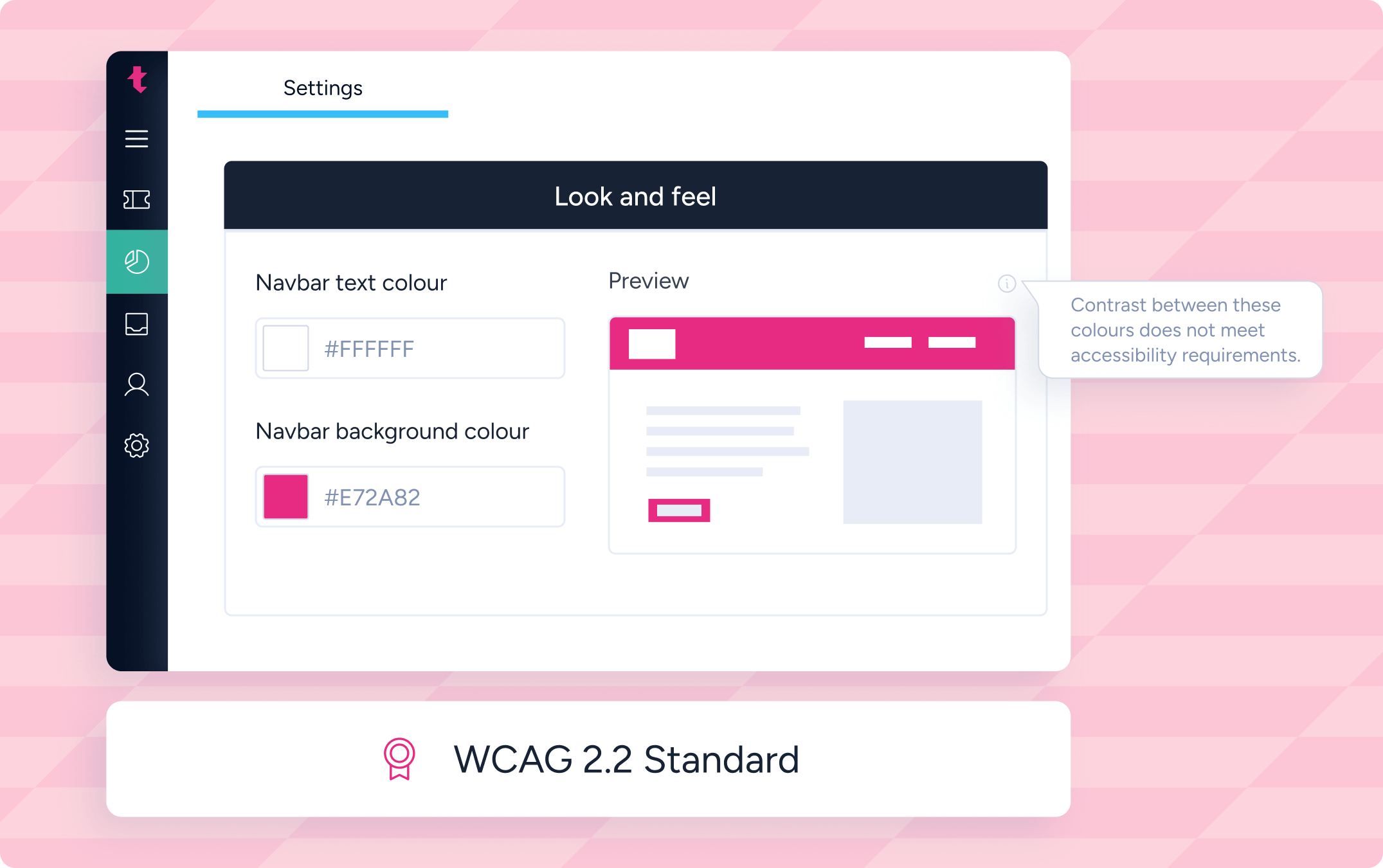
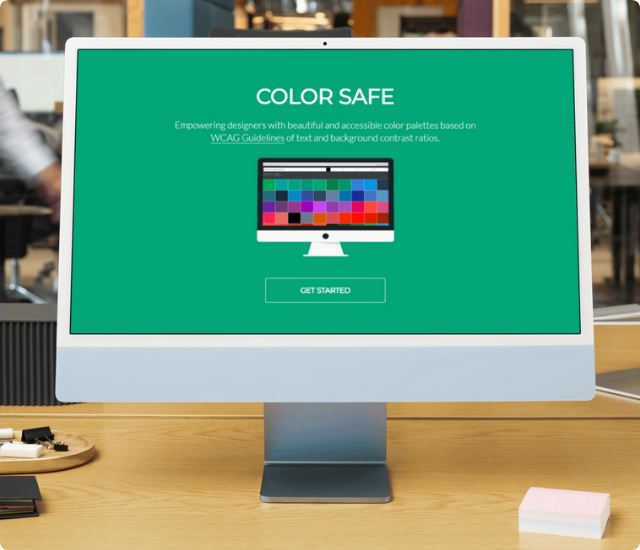
Legible colour contrast is vital for readability. Ticketsolve includes automatic alerts that let you know if your design choices fall short of WCAG contrast recommendations, helping you stay compliant and user-friendly.

Screen Readers & Navigation

  • Use linear layouts and semantic HTML to support assistive technologies.
  • Ensure your site is navigable by keyboard alone.
  • Keep headings and links descriptive to help users find content quickly.
  • Ticketsolve allows you to add custom accessibility text for screen readers—embedded across all show pages.

Video Accessibility

Where possible, incorporate subtitles, transcripts, or audio descriptions to support users with hearing or visual impairments. Consider alternative formats like written summaries when budget or time constraints limit full video accessibility.

Human Support Matters

Accessibility isn’t just technical—it’s human. Not everyone can or wants to interact digitally. Consider creating a clear access pledge, direct contact routes, or holding tickets for access bookers during busy onsales.

Want to learn more about our platform?

Understanding Legal Requirements

To meet web accessibility legislation in the UK and Ireland, organisations should aim to comply with WCAG 2.2 Level AA standards.

Ticketsolve is committed to continuous improvement, integrating accessibility into product development, not as a finish line, but an evolving standard. Key features in the platform now support full AA compliance across the booking journey.

Conclusion: Progress, Not Perfection

Accessibility is an ongoing journey, not a single task. Every improvement you make helps reduce barriers and invite more people into your space. With the right guidance, tools, and mindset, you can build a digital experience that’s open, equitable, and welcoming to all.

🎧 Want to hear more from Catherine?

Listen to Episode 10 of The Arts & Everything in Between Podcast to hear how Catherine supported Ticketsolve in building accessible design into our platform.

Would you like this copy turned into a downloadable resource or landing page content? I can also generate a styled HTML version with links and accessibility best practices embedded.

Quote icon

Let's start something brilliant together

We’d love to show you how we can help you thrive.

No items found.

Download the Whitepaper

Download now