.svg)
Box Office Advanced - Academy

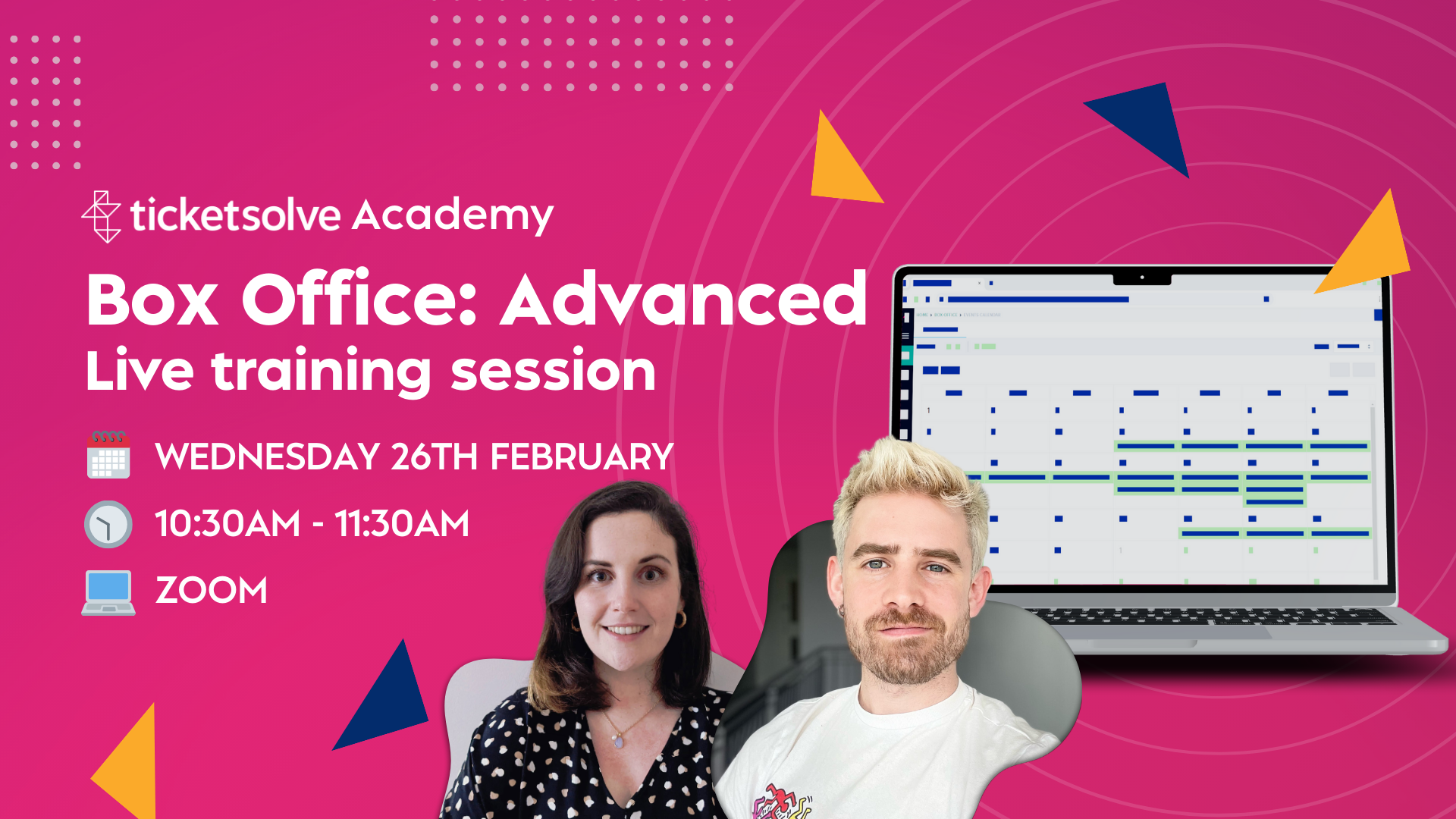
Dean from our Support Team walked through the more advanced features of the Ticketsolve Box Office.
The webinar covered:
Customising Your Box Office – Set up your Box Office to match your team’s workflow and make day-to-day tasks smoother.
- How to add a Token Payment
- Remember skip sending confirmation email setting
- Customer required fields for boxoffice setting
- How to customise the requested customer details for online orders
- How to process Quick Sales at Box Office
Managing Payments & Customer Orders – Learn how to handle collections, manage vouchers, and apply discounts and promotions.
- How to use Collections
- How Money Vouchers Work in Ticketsolve
- Gifting of Digital Gift Vouchers
- How To apply a Discount at Box Office
- How to manage Carts
Customers, Memberships & Benefit Products – Understand the difference between online memberships and benefit products, see how to merge customers, and make the most of pinned comments to keep key details easily accessible.
- Merging duplicate customer records
- Merging a large amount of duplicate Customer Records
- Introduction to Benefit Products and Memberships
- Managing and merging customers with Memberships and Benefit Products
Events Dashboard & Waiting Lists – Explore different views, reports, and tools in the Events Dashboard, plus a step-by-step guide on managing waiting lists efficiently.
- Events Dashboard
- Pinning Customer & Order Comments
- How to create and manage waiting lists for events
- How to send an email to customers from Ticketsolve
About the guest

.jpg)








.jpg)


.jpg)
.jpg)
.jpg)
.jpg)
.jpg)
.jpg)
.jpg)
.jpg)
.jpg)
.jpg)
.jpg)