.svg)
Smarter Marketing & Customer Engagement - Academy


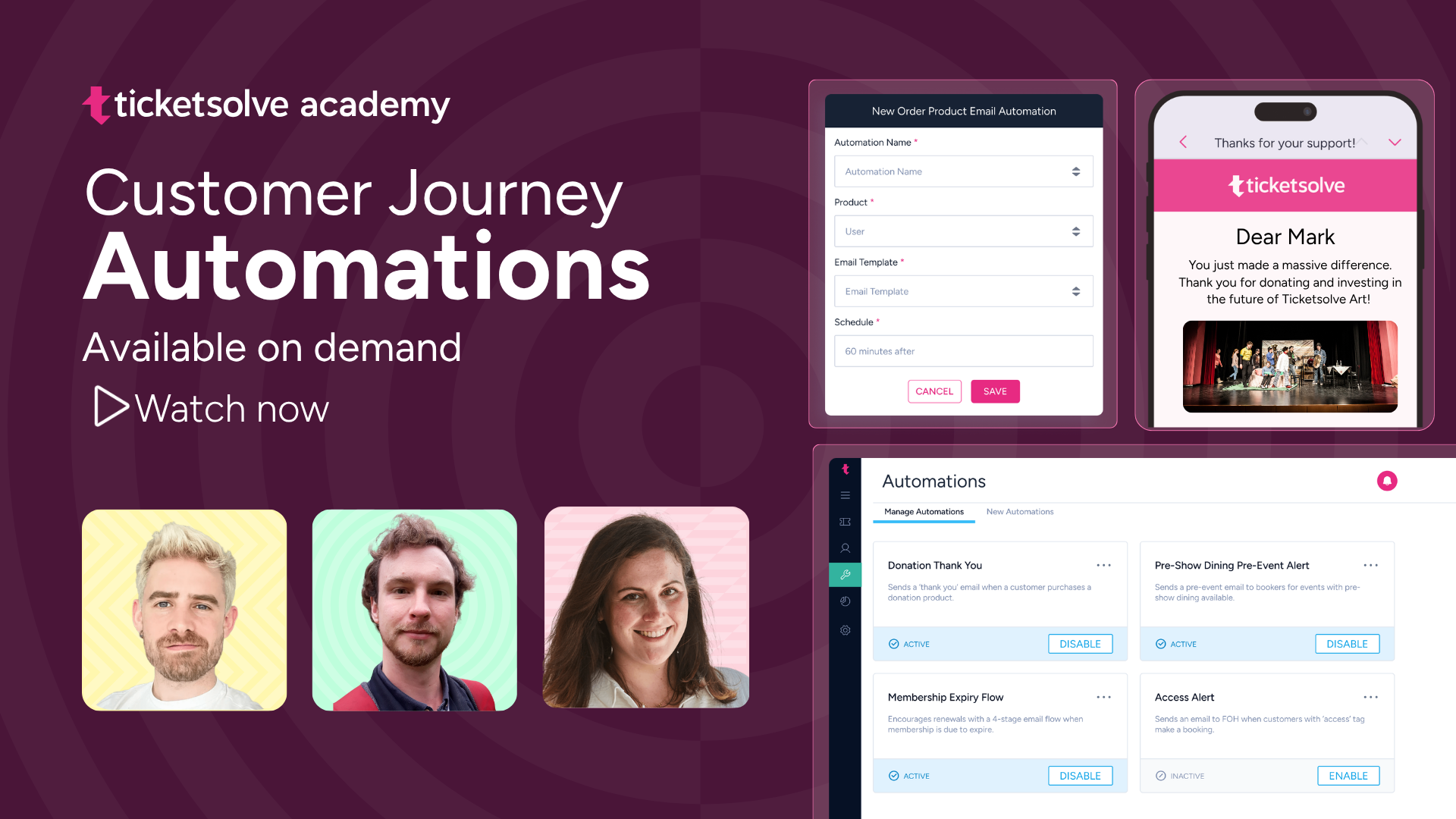
Automations: How to enable and customise Pre- and Post-Event Alerts to reduce manual work, and how our First-Time Customer automation can help you welcome and retain new audiences.
- Introducing: Ticketsolve Automations
- How to set up the Pre-Event Alert Automation
- How to set up the Post-Event Alert Automation
- How to set up the First Time Customer Automation
Capturing Customer Data: Customise the data fields you collect at Box Office and online to match your marketing and operational needs. We'll also look at our Loqate address lookup integration for cleaner, more accurate data.
- How to CUstomise the Requested Customer Details for Online Orders
- Customer_required_fields_for_boxoffice setting
- Forcing a Customer Record to be Added to all Box Office Orders
- Loqate Integration for Address Lookup
Customer Tags & Campaigns: Tag and label your customers (with emojis 😉) to segment your marketing and help staff easily identify key groups, such as donors, access patrons or corporate sponsors, at every touchpoint. We'll also cover adding customers to campaigns for ROI reporting.
- Managing Tags in Ticketsolve
- How to use Tags
- Using Customer Campaigns within Ticketsolve - Report on ROI
Permissions & Extras: Add optional fields to the checkout process to collect additional consents or information, like parental permissions, meal preferences, or third-party marketing sign-ups.
About the guest

.jpg)




.jpg)


.jpg)
.jpg)
.jpg)
.jpg)
.jpg)
.jpg)
.jpg)
.jpg)
.jpg)
.jpg)
.jpg)